

我在之前的 Live Mesh 技术预览版体验一文中提到我将会在接下来的一篇中介绍 Live Desktop。我主要还是以截图为主的形式为大家介绍。
登录之后,就进入了一个类似于 Windows 操作系统的界面:
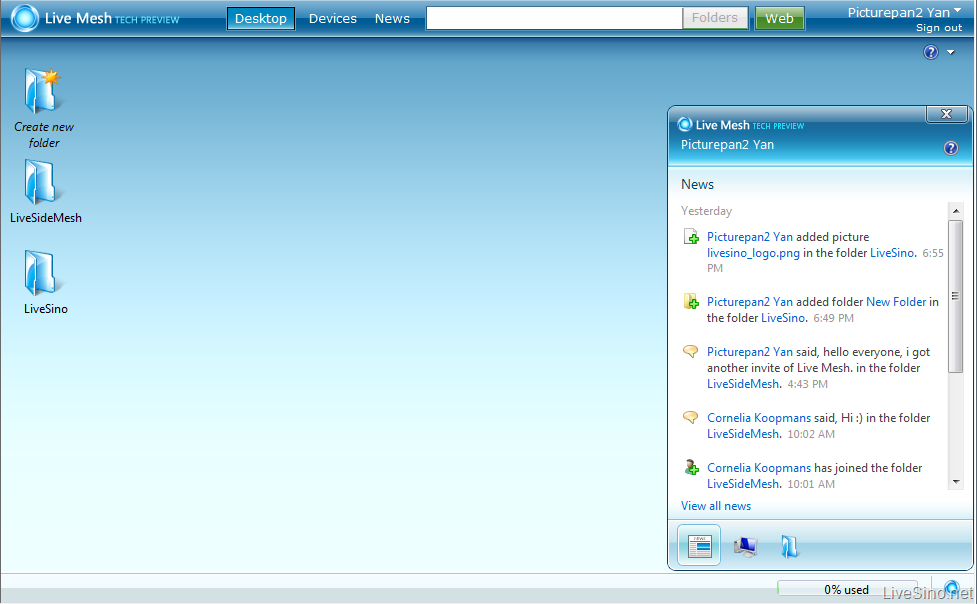
右侧窗口为一个综合的信息面板,包括:Current News, Devices 和 Active Folders。
双击左侧文件夹的图标,就可以打开类似于 Windows Explorer 的窗口(可以最大化,最小化,关闭):

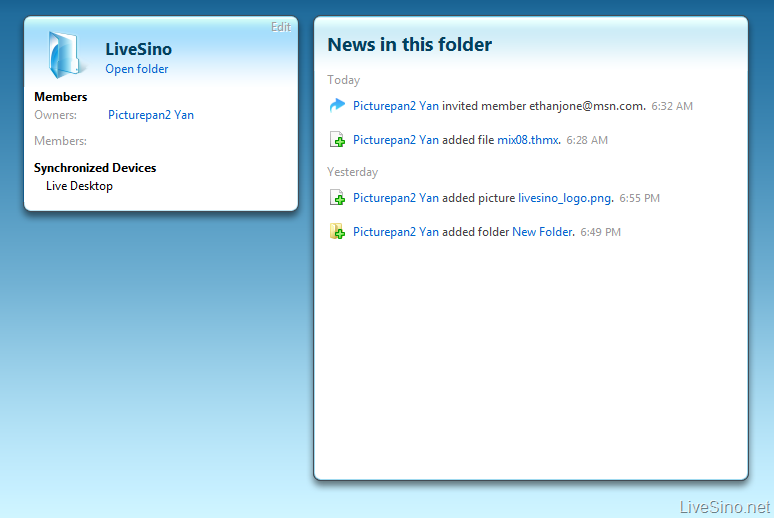
左侧是管理部分,右侧是信息部分,包括:新闻消息,成员,已经同步的设备。
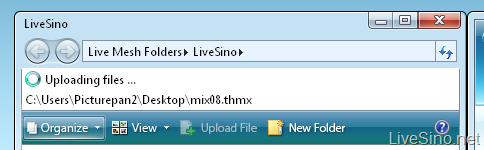
目前只能通过浏览本地文件夹才能上传文件:
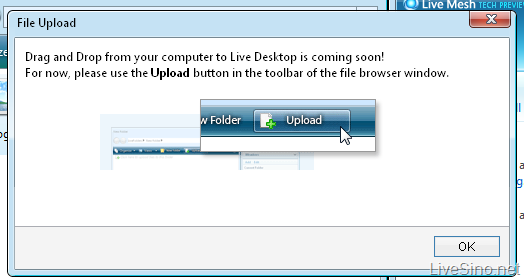
从本地拖放文件上传功能也将会推出:
图片预览的效果不错,采用了 Silverlight(目前我还没尝试过视频):

文件夹共享:

文件夹信息总览:
个人信息总览,资料来自 Windows Live Spaces Profile:

目前的 Live Desktop 相对较简陋,功能也较少,比如:拖放上传功能也将会在之后发布。下次介绍 Live Mesh 客户端,敬请期待。
3 条评论
air
国内能用吗
2008 年 04 月 25 日 4:31 下午
Imgen
Very cool. Google is in trouble.
2008 年 04 月 25 日 6:35 下午
发表评论